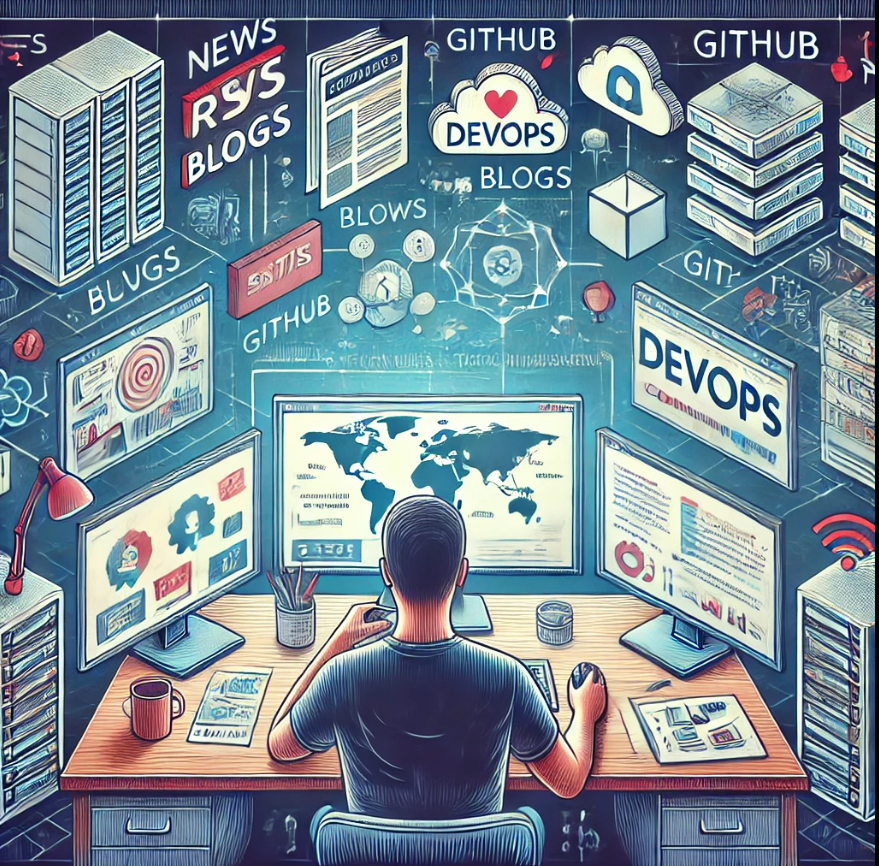
Why tech watch matters
As a DevOps engineer, keeping a tech watch is a crucial practice: it keeps you up to date and lets you constantly follow the arrival of new tools in a field that never stops evolving.
There are several reasons for this. First, as a DevOps engineer, you constantly have to find ways to improve the CI/CD pipelines and the various processes in place in a company, so looking for new tools, new versions or new technologies is essential.
Then, in my case, this watch lets me be a source of proposals and a driving force in my environment, by bringing my knowledge of recent topics.
Tech watch tools
The tools used for the watch are the key: they are what makes it quick and efficient to manage. So you need to re-evaluate these tools periodically, so that they do not become obsolete and still fit the need.
Which means you also need to keep a watch on your watch tools!
Feeder
After using feedly daily for a while, I was not convinced by the app, I needed a simpler and cleaner tool.
After some research, I came across Feeder, an open source RSS reader and aggregator available on Android. The app does not require logging in with an account and it runs locally, which keeps my data private.

The design of the app is very simple and clean, and its configuration has the same qualities. Feeder also lets you save articles, add them to favourites or even back up your configuration. These are very handy features, and necessary for a tool of this kind.
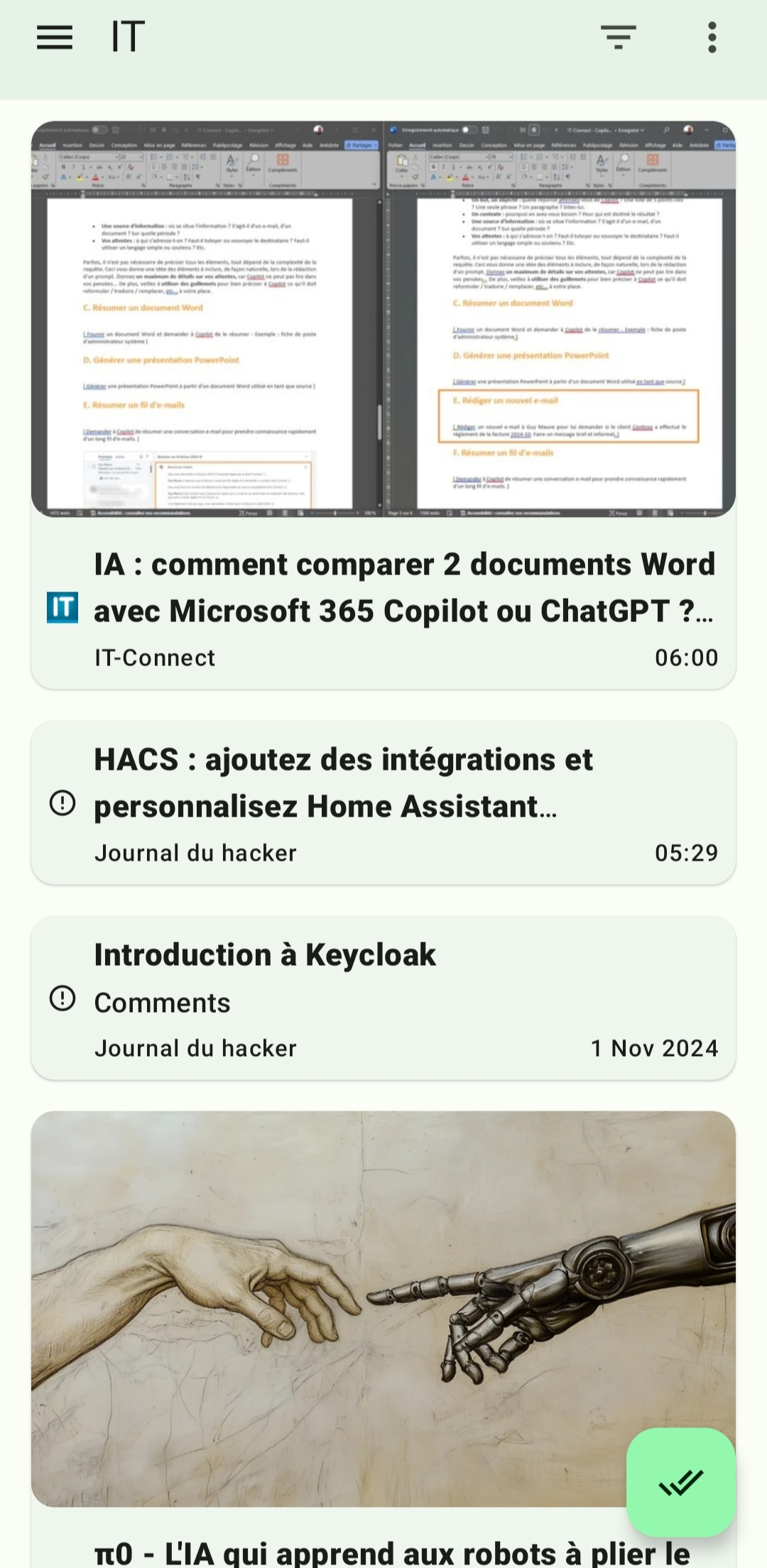
Feeder interface
Feeder lets me fetch the articles from my main IT sites, listed in the next section, and read them from the app. For example, I can use my commuting time to do my watch every day.
I sort the RSS feeds into different categories according to their field:
- DevOps
- Linux
- General IT
- Cybersecurity
Wiki
Once I have gathered information from my various sources, I sort it to keep only what I find interesting and/or useful. Once sorted, I format the items I kept and put them into my wiki. (I actually wrote an article on building this wiki.)
This gives a clean and condensed result, so I can find what interests me in no time, which is the whole point of the watch for me.
Sources of information
I use several sources of information, but I find that the article / post format is the best, the one that suits me most. Written content is often straight to the point, which is not always the case with a video or a podcast, so this format is efficient and concise.
Most of the sources below are in French, I marked the English ones with 🇬🇧.
Websites
- Blogs
- Stéphane Robert: DevOps
- Une tasse de café - Quentin Joly: DevOps
- IT Connect: Sysadmin / General IT
- Korben: General IT
- 🇬🇧 It’s foss: Linux
- RSS aggregators
- Journal du hacker: General IT
- 🇬🇧 Hacker News: General IT
YouTube channels
- Xavki: DevOps
- Yves Rougy: Linux
- Underscore: General IT / Cybersecurity
- Devoxx: DevOps / Linux
- 🇬🇧 NetworkChuck: Cybersecurity
Community
The community feeds below are mainly English-speaking communities.
Medium
Conclusion
To conclude, I find that the watch lets me learn something every day in a field of IT. It is a kind of continuous improvement process at a human scale, and it keeps me from stagnating and helps my skills grow.
Personally, I also like to put my discoveries into practice through a POC in my homelab, to quickly form an opinion on the subject.