This project was done during my first year of Master’s at Sup De Vinci, as part of a module on the Go language.
Introduction
The specifications provided by the lecturer asked for a Golang CLI for one of the following three imposed authentication solutions:
Documentation had to be provided, so that the project would be turnkey and usable by anyone.
Choosing the solutions
Backend
After comparing the 3 authentication solutions, I noticed that Authentik and Casdoor are very complete, so they take some time to get to grips with. Given the project deadline and its needs, I went with PocketBase. It is simple to deploy and use, and it meets exactly the requirements of the project.
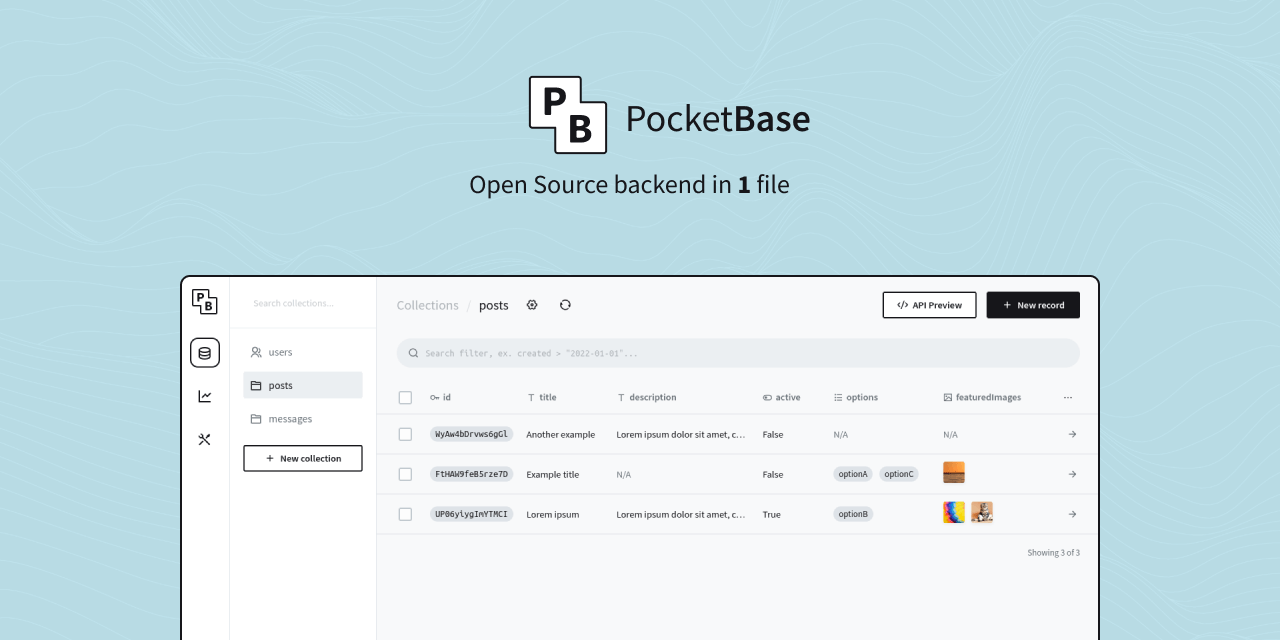
PocketBase UI
Golang framework
For the Go framework, I saw that 2 frameworks are widely favoured in this area: Cobra 🐍 and Kong 🦍.
By following YouTube tutorials that used the Cobra framework, its ease of use let me quickly build a POC of my CLI with very intuitive flag handling and automated documentation. So I stuck with this framework. A huge number of projects use Cobra, as you can see in this list.
I also added the Viper package to the project, which handles configuration in the Golang project, to work with the conf.json file.
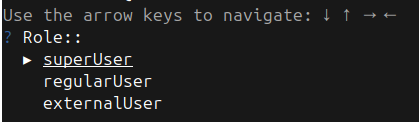
Finally, adding the promptUI package improves the UX, in particular with interactive prompts.
Architecture
CLI
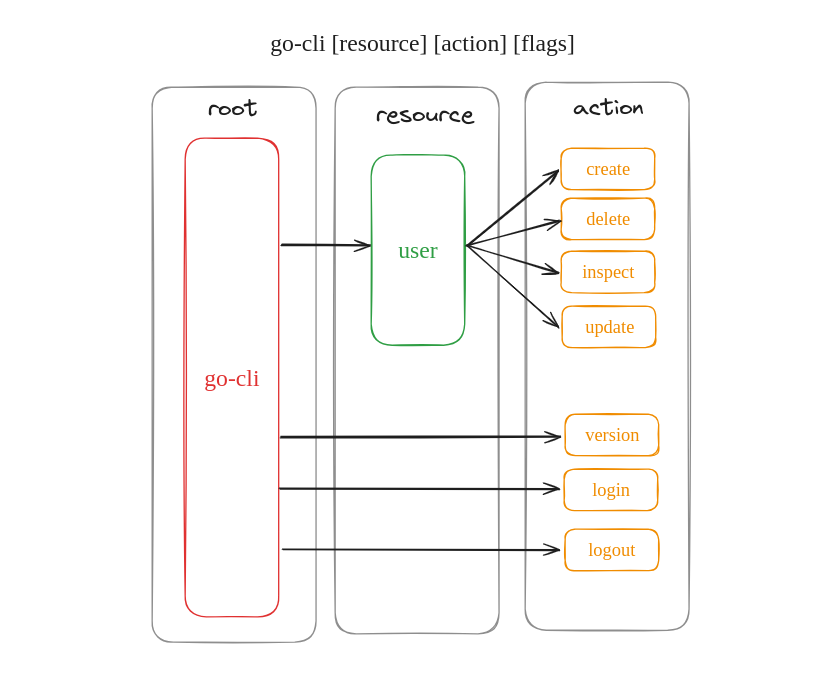
For the architecture of the CLI, I chose to base it on Docker’s, which I personally find very intuitive and convenient to use, and which is also built with Cobra. So I went with the same command [resource] [action] [flags] model.
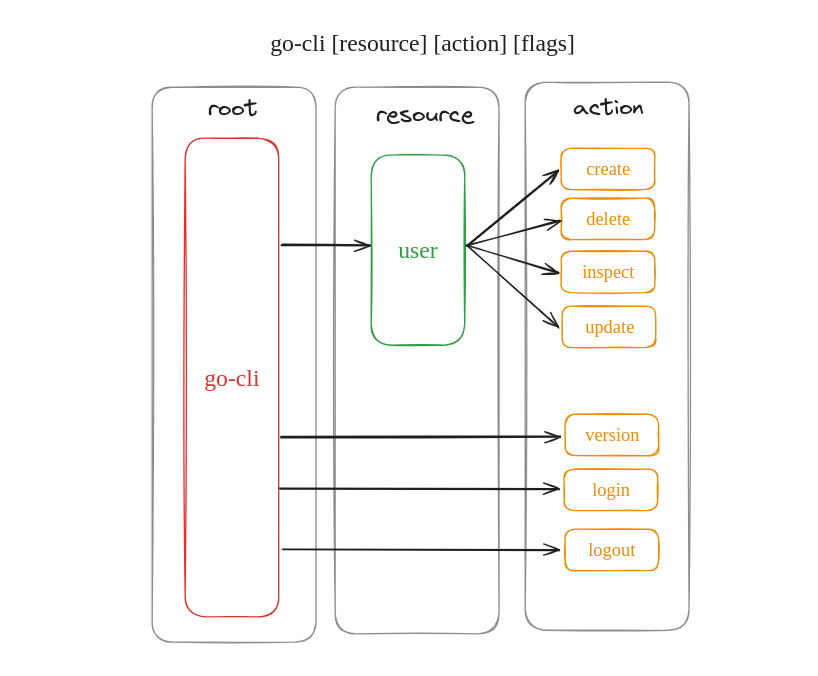
CLI architecture
The CLI can therefore log in to and out of PocketBase, and perform CRUD actions (Create, Read, Update, Delete) on the users in the backend, which meets the request in the specifications.
Once the architecture of my CLI was drawn up, the design phase was over and I could start programming the CLI to make it concrete.
Code
| |
main.go: initialises the program through the
main()function, which is the entry point of the program.cmd/: this folder holds all the commands available in the CLI. The files are organised according to the architecture of the CLI.
common/: a module that holds the functions used in several modules of the project.
Deployment
The deployment of the project comes down to a simple docker-compose.yaml file that creates the PocketBase container holding the SQLite database. The pb_data file is also mounted, to have a database already populated with users.
| |
The CLI itself runs as a binary that can be downloaded from the GitLab releases or built locally from the code.
Demo
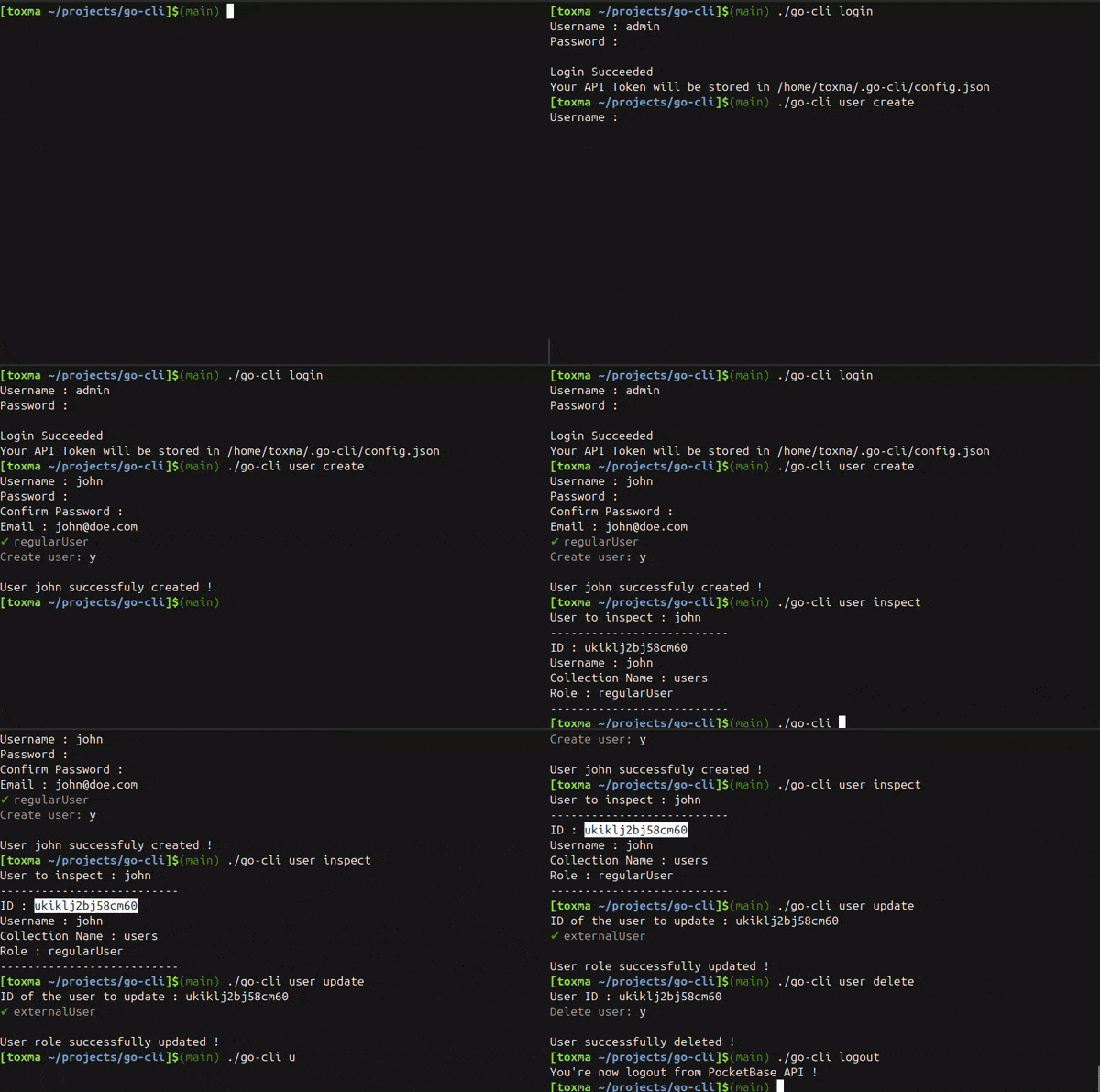
Conclusion
This project was quite challenging, because it came right after the one-week course module on Golang. I had to dig further into the language to handle the project properly. Having done some C in the not-so-distant past, this project brought back some good memories. 😄
I also gained experience in choosing the right tools to meet the project’s expectations, and to save time on development.
For more details on this project, the code is available in the go-cli GitLab repository!